Google Sheets
How Google Sheets Sync Turns Metaobject Management Into a Non-Event
Google Sheets sync links a metaobject type to a live spreadsheet, with validation and a safety net built in. Here's what it actually does.
Metaobjects are quietly doing a lot of work in a modern Shopify store — product specs, store locators, size charts, warranty terms, ingredient lists. The moment a catalog has more than a handful of entries, though, editing them one record at a time in the admin stops scaling. Most teams reach for a CSV export, edit it in a spreadsheet anyway, then re-import and hope nothing broke. We built Google Sheets sync to close that gap properly, not paper over it.
Connect once, not per task
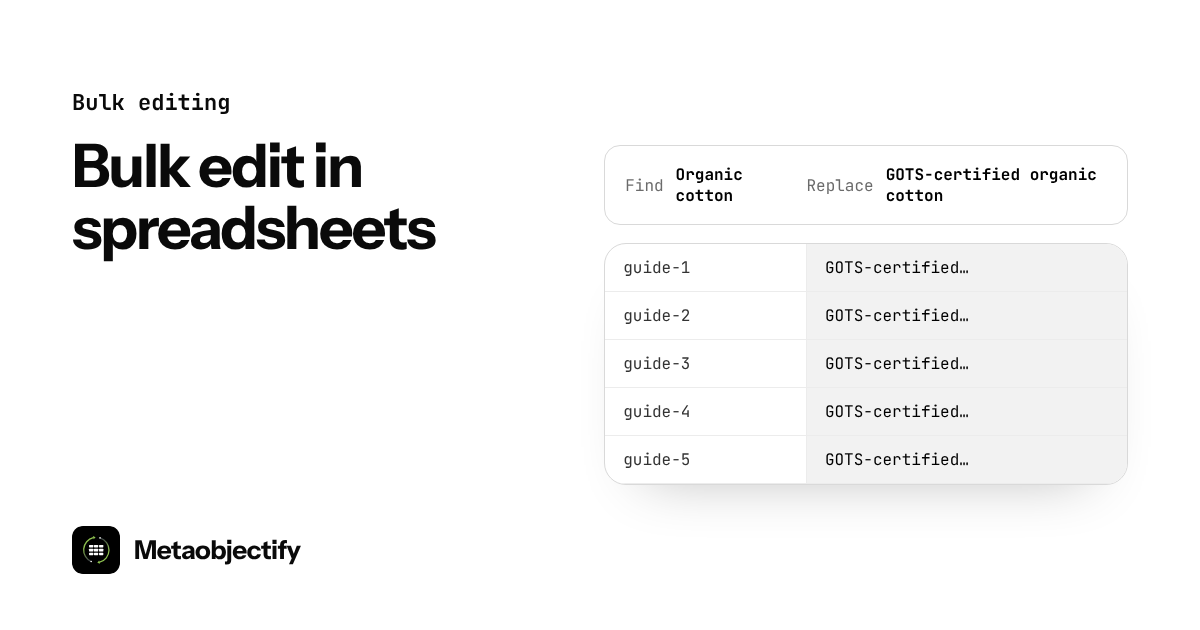
A merchant links their Google account a single time. From then on, every metaobject type can get its own linked sheet, created straight from the app with current entries already filled in. There's no export step and no file to lose track of.
A sheet that already knows your rules
This is the part that matters most. The sheet isn't a blank grid — it's built from the metaobject's own definition. Fields with a fixed set of choices become dropdowns. True/false fields become checkboxes. Reference fields are constrained to valid values. Every header carries a note explaining what belongs in that column. A merchant's team can't put bad data in because the sheet won't let them, and if the definition changes later — a new choice, a new field — the rules refresh automatically without touching a single value already entered.
One click back to Shopify
When the edit is done, syncing is one click, or it can be left on autopilot: every 15 minutes, hourly, or once a day. Entries are matched by handle, so updates land on the right record and new rows become new entries. Nothing is deleted just because a row disappeared from the sheet — that has to be a deliberate action in Shopify, not an accident in a spreadsheet.
A safety net underneath it
Sync jobs are reversible. If an import goes sideways — a bad column, a copy-paste error — the merchant can revert the last sync in one click, and the sheet is refreshed afterward so auto-sync doesn't immediately reapply the same mistake. That reversibility is deliberate: automation without an undo button isn't automation most teams will trust.
Who this is built for
Google Sheets sync is available on the Pro plan, with one linked sheet, and the Scale plan, with unlimited linked sheets. Development stores get free manual push and sync access for testing before going live. The unattended auto-sync scheduler is reserved for paying merchants running real stores — automation is the part worth paying for.
This is the thesis: the spreadsheet was already where merchants wanted to work. We just made it safe to point at Shopify.