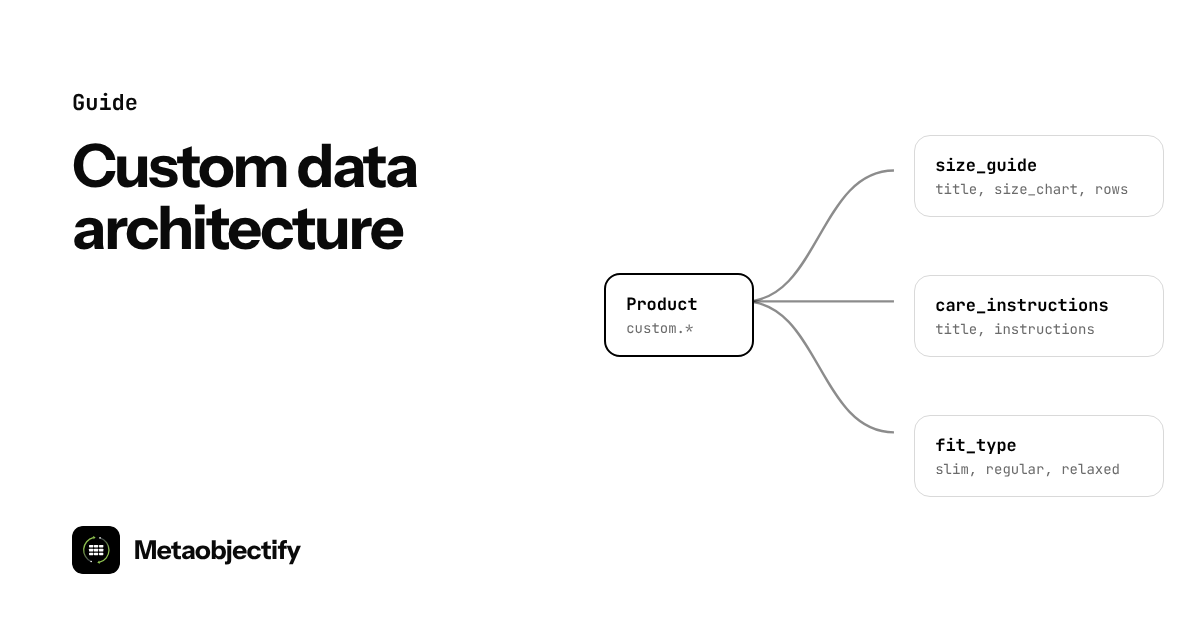
Start here: Guide
The Ultimate Guide to Structuring Custom Data Architectures on Shopify
How to structure Shopify custom data that lasts: building blocks, relationship patterns, three reference architectures, rendering limits and a migration path.
Practical guides to importing, editing and structuring Shopify metaobjects, from the team that builds and runs client stores and made Metaobjectify.
Start here: Guide
How to structure Shopify custom data that lasts: building blocks, relationship patterns, three reference architectures, rendering limits and a migration path.
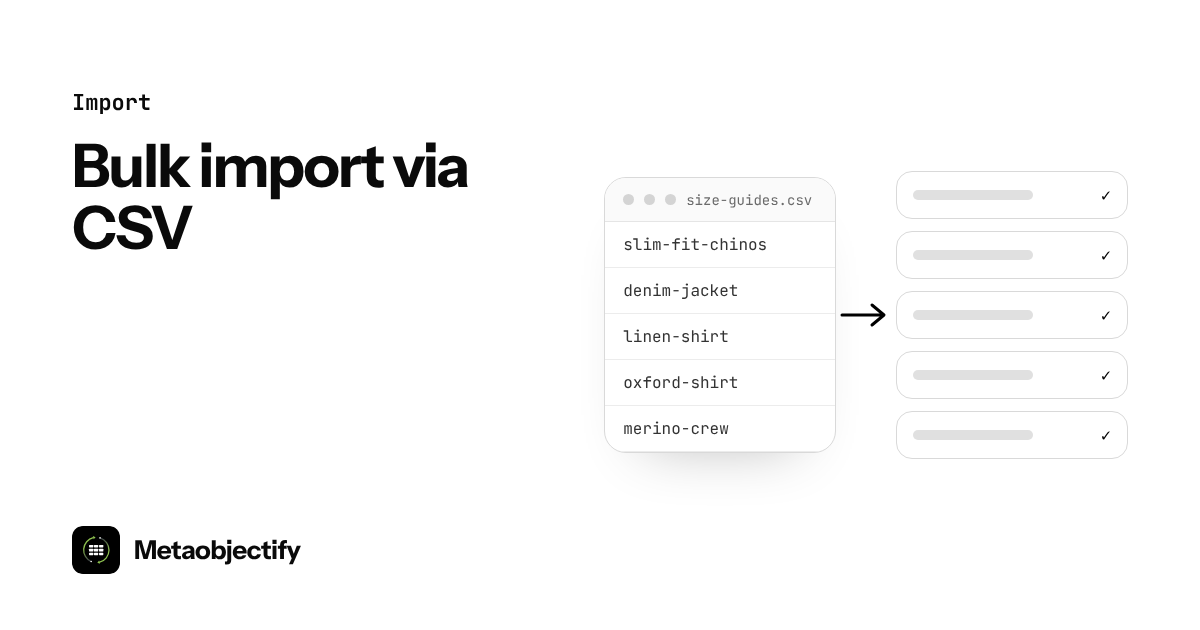
Import
Shopify's admin adds metaobject entries one at a time. Compare the API and CSV routes, and import hundreds of entries without GIDs or broken references.
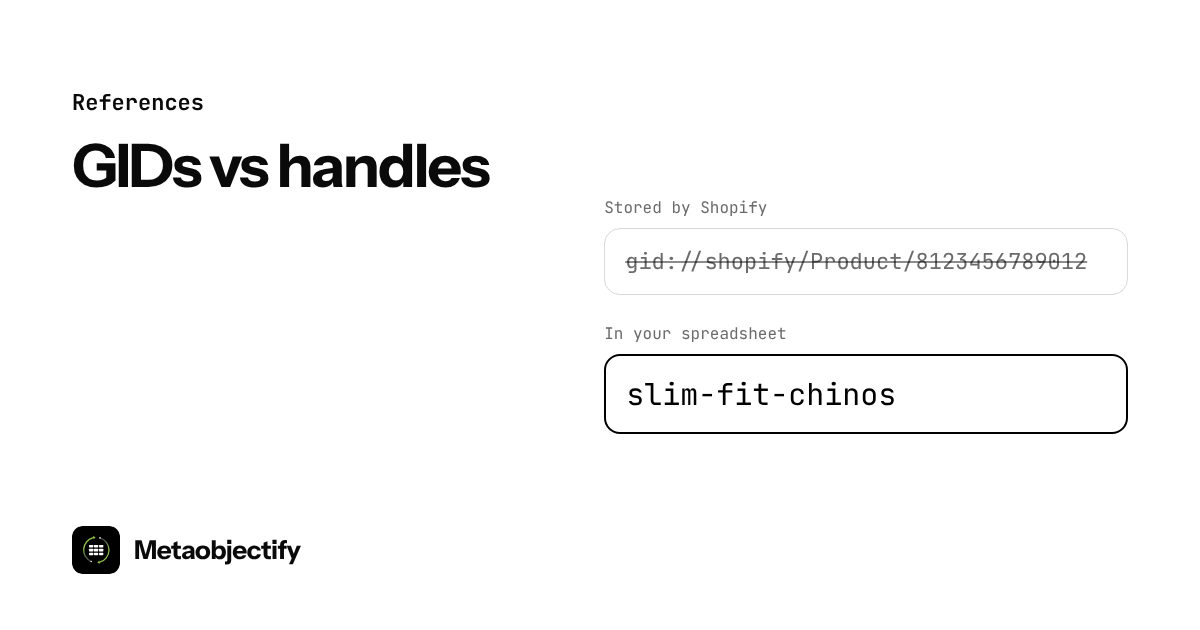
References
A GID only means something on the store that issued it. Learn where GID-based metaobject imports fail, and why handles are the safer key for CSV work.
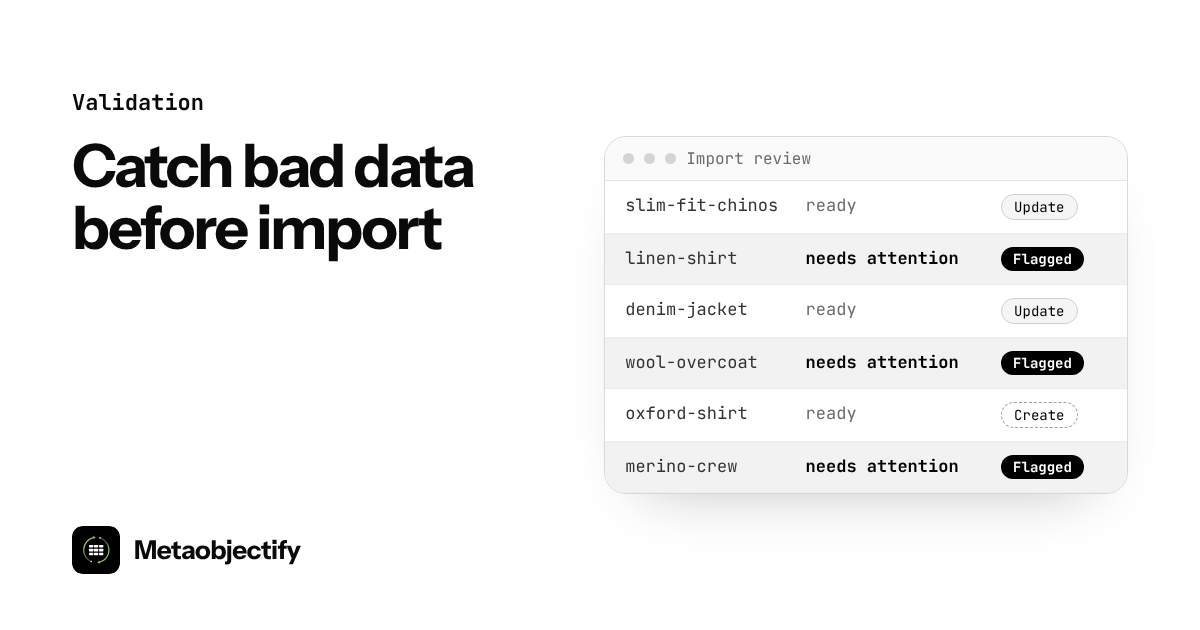
Validation
The dangerous metaobject import errors are the ones Shopify accepts. Nine checks to run before import, and which ones Shopify will and won't catch.
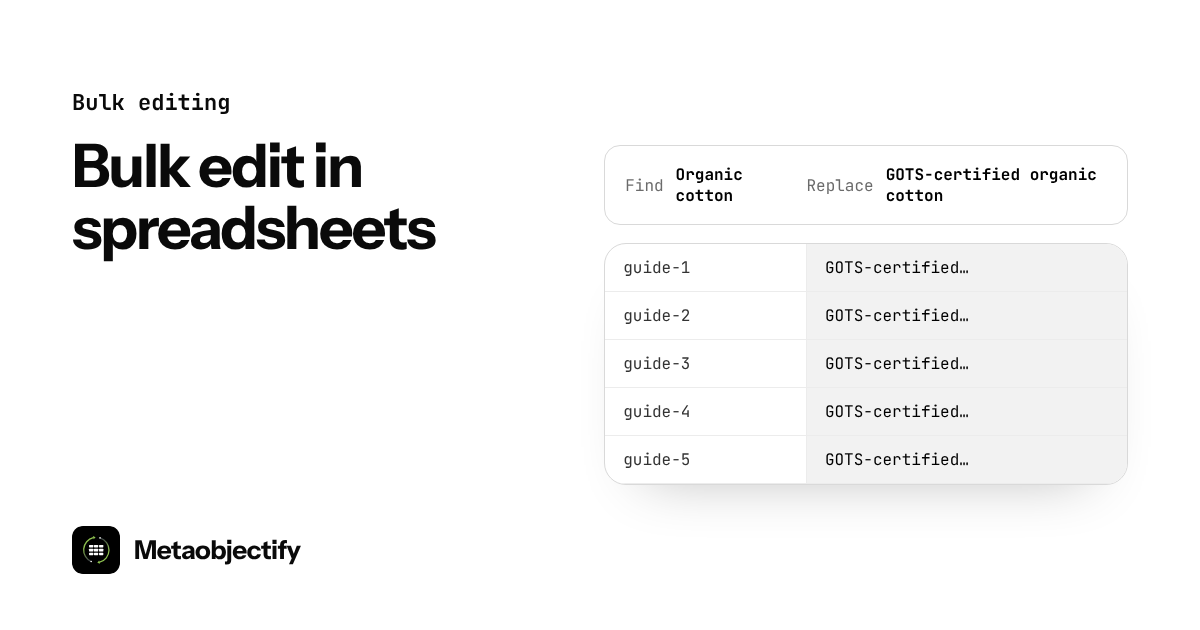
Bulk editing
Export metaobject entries, fix them with find-and-replace and formulas, and import them back by handle, without Excel mangling dates, IDs or accents.
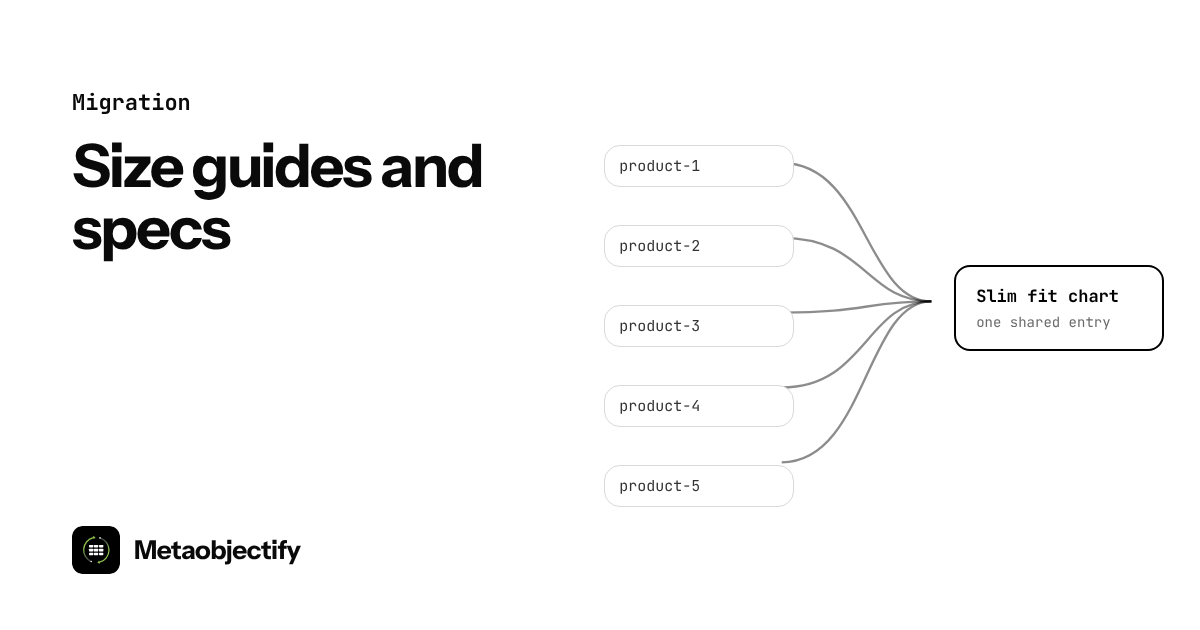
Migration
Size charts pasted into hundreds of product descriptions? Model them as metaobjects, pull the data out, and import it by product handle without retyping a row.
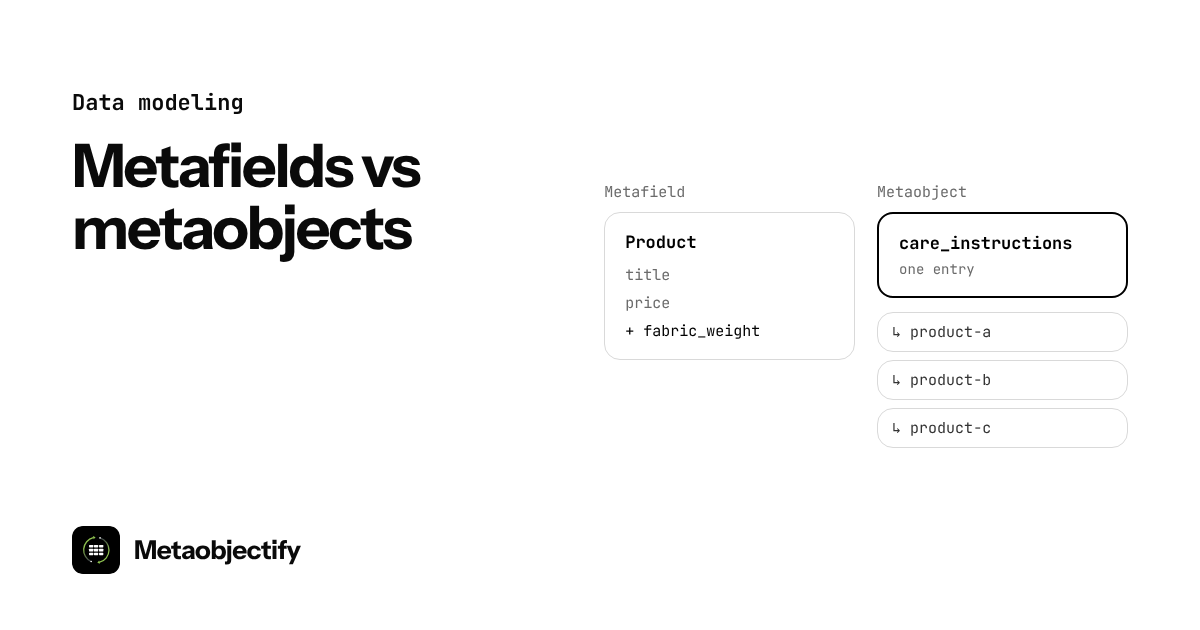
Data modeling
Metafields add a field to a product; metaobjects add a new kind of record. Six questions that decide where each piece of catalog data belongs.
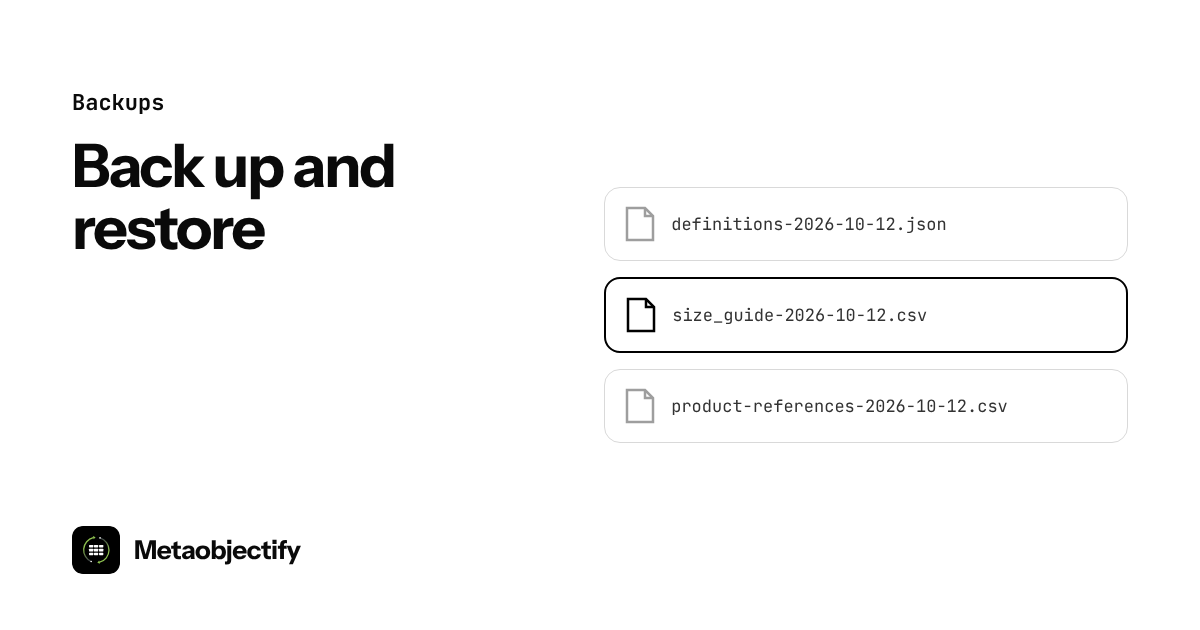
Backups
A metaobject import has no undo. What a real backup covers, and how to restore after a bad import or move metaobjects to a new store.

Localization
Why your metaobjects are still in English: which field types translate, three ways to load translations at volume, and when to localize by market instead.
Company
We run Shopify stores for clients, and metaobjects kept turning into hours of hand entry. Why we built Metaobjectify, and what we left out on purpose.
Export a definition to see the exact columns, fill it in your spreadsheet, and every row is checked before anything touches your store.